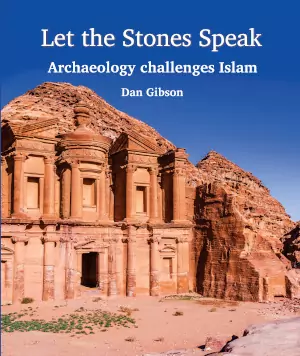
Dan Gibson’s definitive new book on early Islamic qiblas, based on over 200 archaeological sites from the first centuries of Islam. Discover why there were multiple qiblas, who created them, and why only one survived. Click to learn more, and download a free pdf version of the book. Over 350 pages. Includes the database and content by other scholars. Heavily footnoted with a 16 page bibliography. Includes an extensive index. Download Today
History
(22 articles)For over four hundred years the Nabataeans were the principle merchants of the Middle East. From their capital city of Petra they influenced the Romans, Greeks, and Egyptians, connecting them with trade to the far flung parts of the world.

Culture and Religion
(16 articles)What made the Nabataean culture special? Discover their religious, political and cultural worldview.
Travel and Trade
(25 articles)Discover the exotic places the Nabataeans traded with, and the variety of products that they offered to those wealthy enough to purchase.

Navigation and Sailing
(6 articles)The Nabataeans were at home in the deserts with their camel caravans, but they also developed their sailing skills and traded with far off countries and empires.
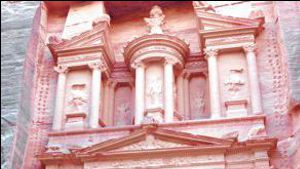
Petra
(33 articles)The ancient Nabataean city of Petra holds many secrets. Historians are just beginning to uncover the story behind this amazing city. Today thousands of tourists visit this site and stare in awe at the huge funerary monuments. While there are over 1000 monuments in Petra, most people are unaware of the amazing people who built this city, hidden in a valley in Southern Jordan.
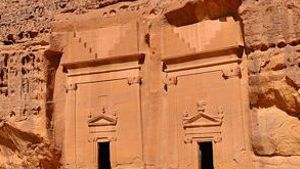
Medain Saleh
(5 articles)This Nabataean city is located in Saudi Arabia, approximately 320 kilometers south of Petra. This Nabataean city has 131 tombs spread out over 13.4 kilometers. The city proper as a siq, walls, towers, water conduits, and cisterns.
Other Cities and Sites
(317 articles)This is the master list of historical sites which are covered on this website. (Not including Petra and Meda’in Saleh which have their own sections.) Each of the places listed here are found throughout this website site, such as lists of stopping places on trade routes, or mosques built during early Islam.
Biblical Studies
(4 articles)This section of Nabataea.net focuses on Biblical studies from the first lines of Genesis, to the occupation of the Middle East by the forces of the Roman Empire.
Roman Arabia
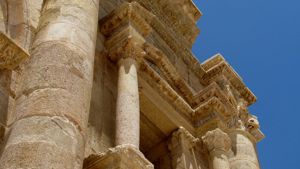
(7 articles)Even though the land of Nabataean lay at the farthest end of the Roman Empire, it’s hills and plains contain diverse evidence left behind by this great civilization.

Founding of Islam
(9 articles)Over the last 20 years, new discoveries are pointing to the founding of Islam taking place in the ancient city of Petra. Check the evidence for yourself and make your own decision.
Ottoman Arabia
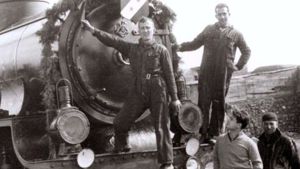
(4 articles)The Middle East lay in the grips of the Ottoman Empire for over a thousand years. As with previous empires, the Ottomans left their unique mark on Nabataea.




Hejaz Railway Info
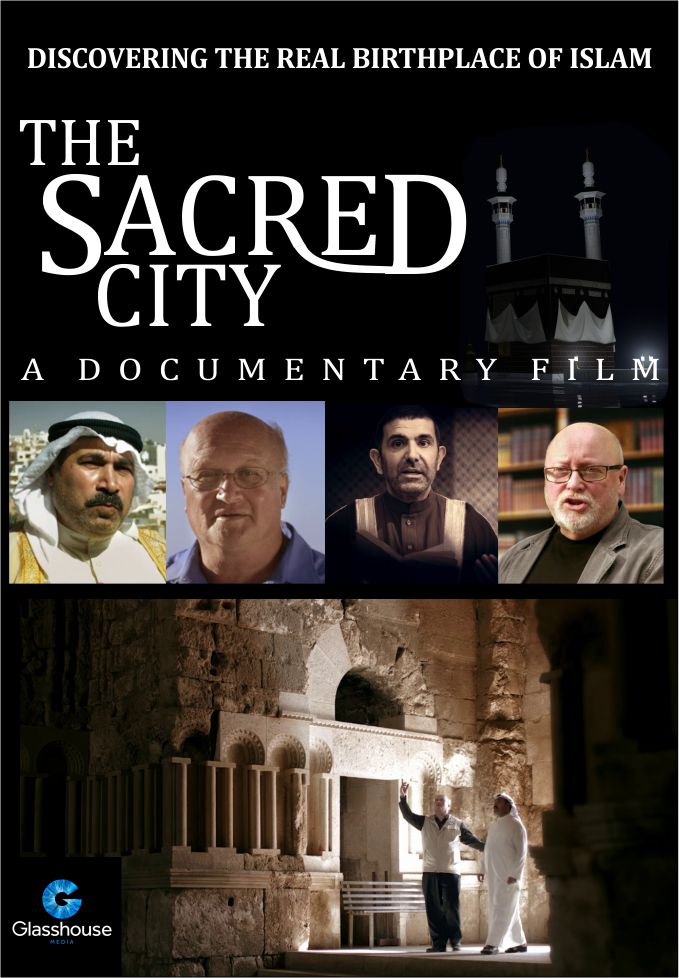
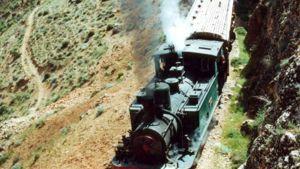
(8 articles)History, more photos, book reviews, personal stories, station names, and more.
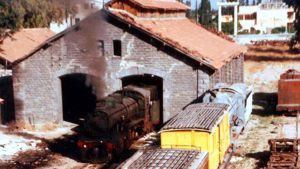
Travel the Hejaz Railway
(78 articles)Visit the railway stations from Damascus to Medina. See photos of the stations, bridges, round houses and maintenance yards. Click on a photo to see and learn more. The top of the page starts in Damascus Syria, and then follows the station stops down to the last station in Medina in Saudi Arabia.
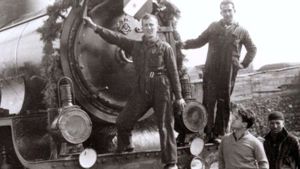
The Old Railroad
(10 articles)Ten carousels of photos from the railway’s inception in 1895 until the end of the 20th century. Many of these photos have not been published anywhere else. They were gathered from the personal collection of men who worked on the railroad.

Other Middle Eastern Railroads
(53 articles)From spurs to lines into Lebanon, even some of the old stations in Palestine, Israel, and the Negev. We must thank our viewers to have been faithful in sending in photos.